

HitPay for Vercel
October 20, 2026 · Integrations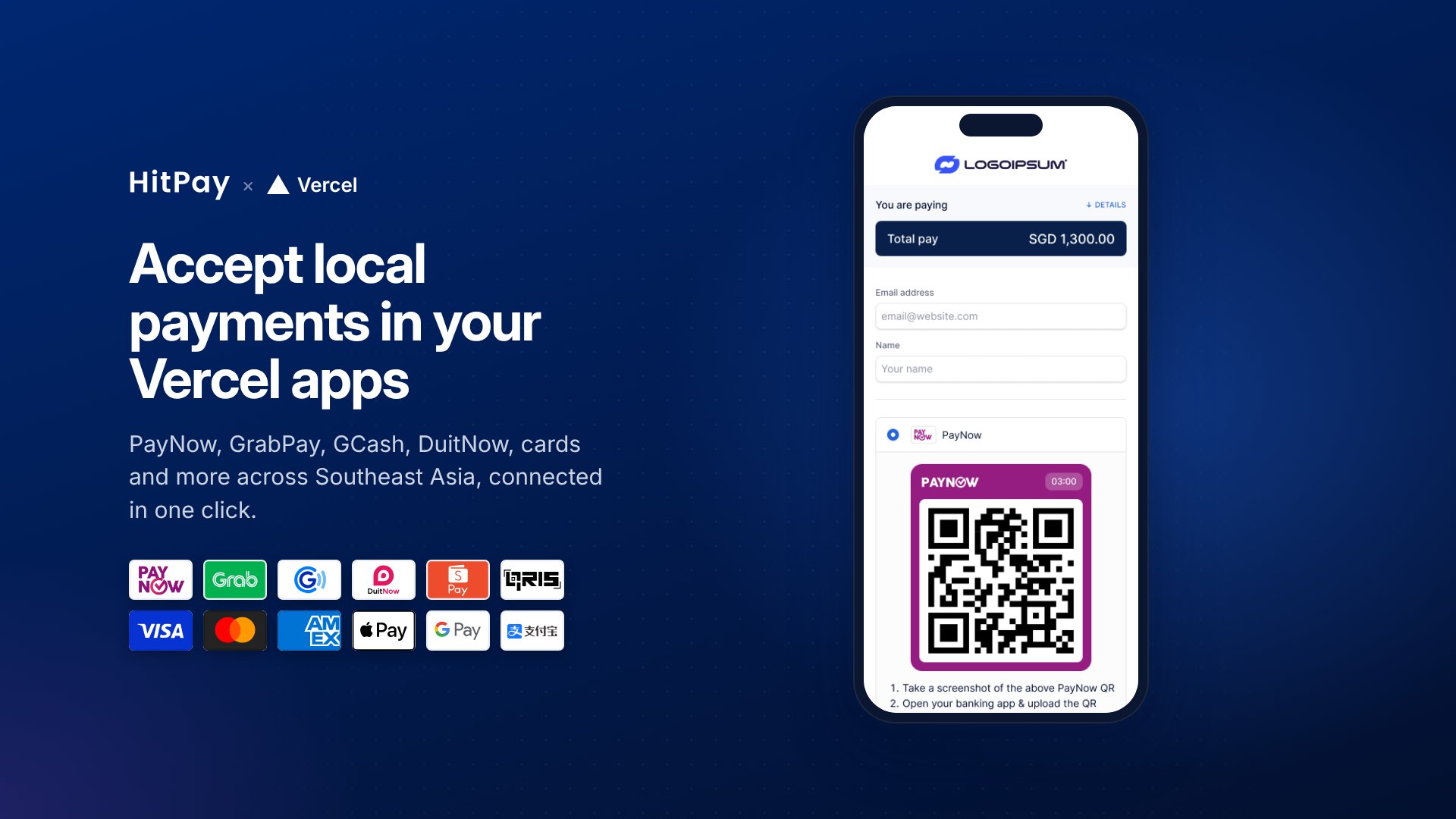
Two ways to set it up
- HitPay integration (recommended, free): Install HitPay from the Vercel Marketplace, sign in to HitPay, pick your projects and redeploy. Vercel adds a HitPay token to those projects that can create and read payments.
- Vercel Connect: For developers who need more than creating and reading payments, or who don’t want a token stored in the project. You create your own HitPay app in App Builder and add a Vercel connector. Vercel bills Connect per token request.
Good to know
- You need a Vercel account and a HitPay account where you’re an Owner or Admin.
- It connects live HitPay accounts, so test payments are real. Use a small amount and refund it.
- Webhook registration, virtual accounts, static QR codes and terminals still need a HitPay API key.
- If v0 asks for
HITPAY_ACCESS_TOKEN, skip that form, install the integration on the project and redeploy.