

POS Keypad Calculator
March 25, 2026 · In-Person Payments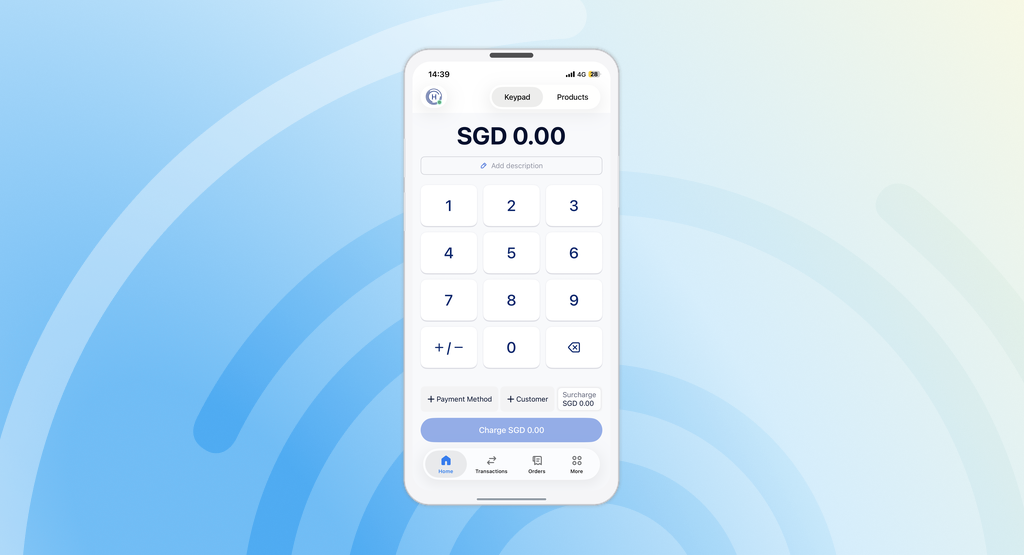
How it works
A calculator button sits next to the “0” key on the keypad:- Single tap — toggles between
+(addition) and−(subtraction). After entering numbers, the next tap resets to+ - Long press — opens an operation picker with
+,−,×, and÷
1+2.50), just like a standard calculator app. Once the calculation is complete, the result becomes the starting value for the next operation.