← Back to Changelog

Larger Logos at Checkout

October 26, 2026 · Payment Links Larger Logos at Checkout Your logo can now take up more room on the checkout page. Pick a logo size in Checkout Customisation and it applies everywhere customers pay you through HitPay checkout, including Payment Links, Invoices and the Online Store.
Logo sizes

  • Standard: A small logo at the top of the page. Nothing changes unless you pick another size.
  • Large: A bigger logo at the top of the page
  • Featured: A prominent logo centred above the payment amount
Logos are scaled down on mobile so they fit smaller screens, and wide logos such as wordmarks are shown slightly smaller under Featured so they don’t crowd the page.

Set it up

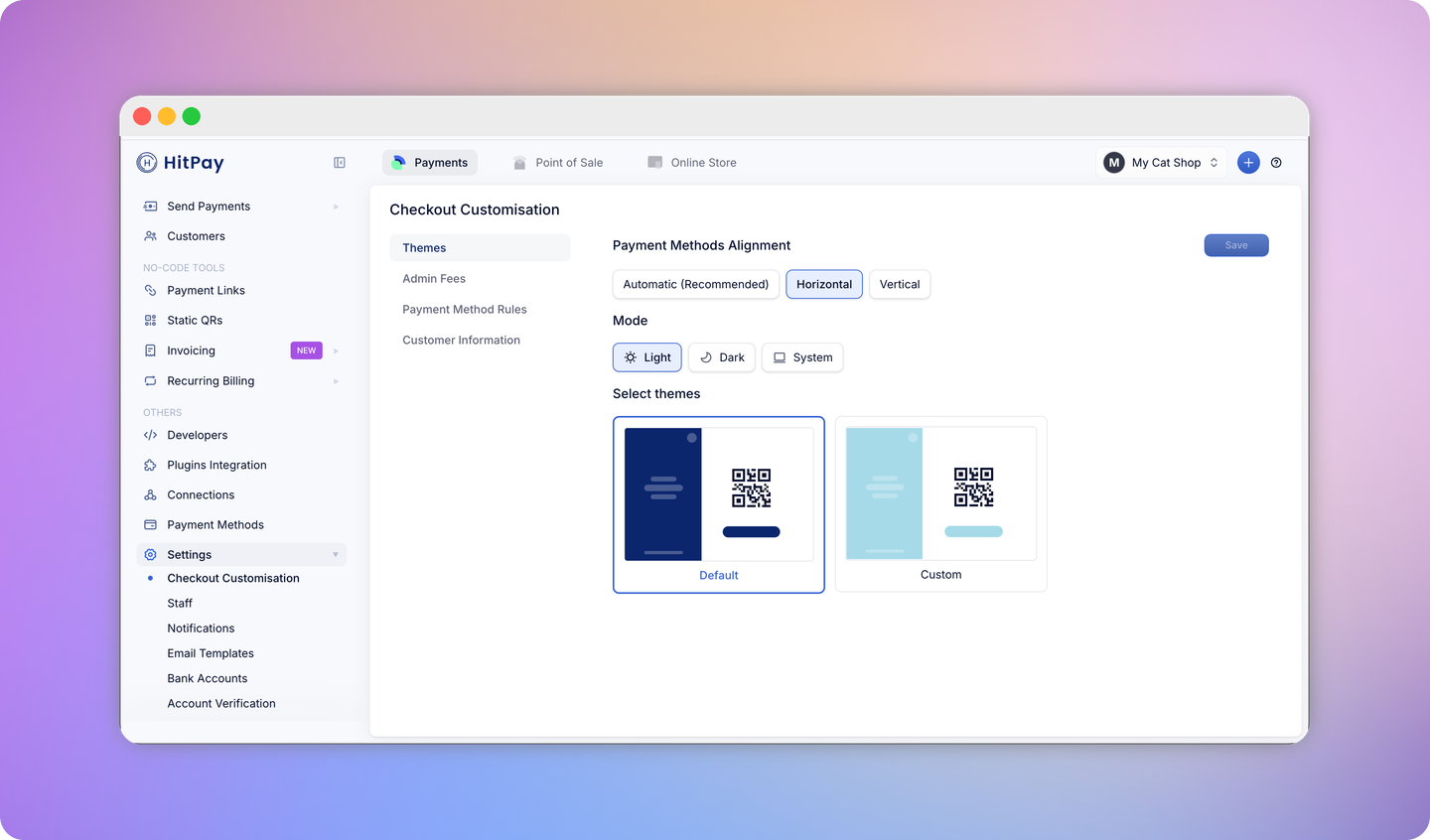
  1. Go to Settings > Checkout Customisation > Themes.
  2. Upload your logo under Upload Logo, if you haven’t already.
  3. Under Logo size, choose Standard, Large or Featured.
  4. Click Save.

Learn more

Last modified on October 26, 2026