Overview
Setup
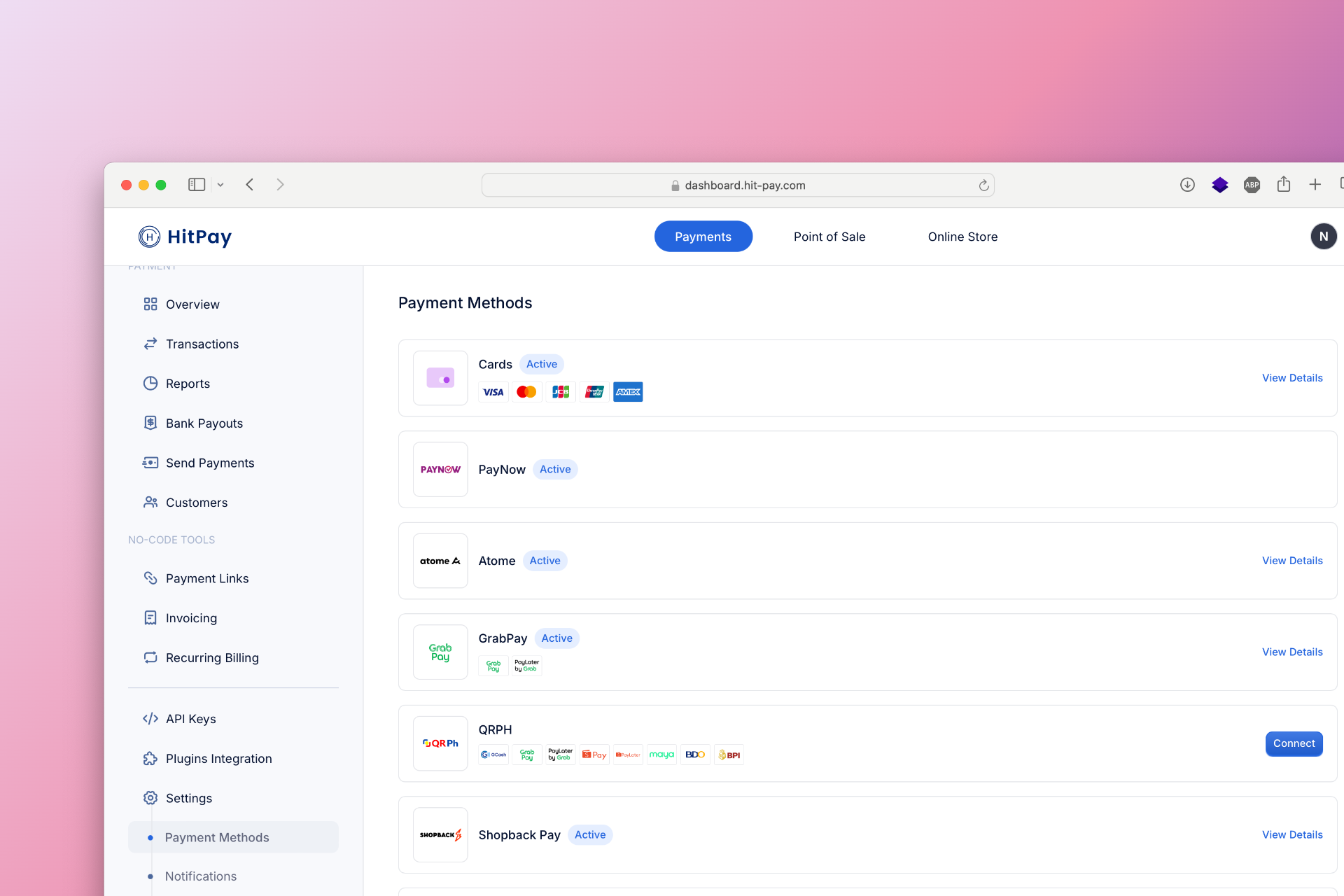
To set up DOKU EWallet as a payment method, follow these steps:- Navigate to Settings in your HitPay dashboard.
- Click on Payment Methods.
- Enable VA and E-Wallets and configure the necessary options.
Documentation Index
Fetch the complete documentation index at: /llms.txt
Use this file to discover all available pages before exploring further.
Popular EWallet in Indonesia
| Detail | Description |
|---|---|
| Fund Credit To | HitPay Wallet |
| T+2 | |
| IDR | |
| IDR | |
| Minimum Amount | IDR 5,000 |
| Maximum Amount | - |
| Refund Supported | ✓ |
| Supported for online transactions | ✓ |
| Supported for in-person transactions (Embedded QR Code) | ✕ |
| Supported Countries | Indonesia |
| Transactions Fees | See Pricing Page |
| Feature | Description |
|---|---|
| Method Code | doku_doku_wallet |
| Sandbox Testing | ✕ |
| Refund API Support | ✓ |
| Supports Embedded QR | ✕ |
| Drop-in UI Support | ✕ |
Was this page helpful?