Overview

DetailDescription
Fund Credit ToHitPay Wallet
T+1 (SG), T+2 (MY/PH)
SGD / MYR / PHP
SGD / MYR / PHP
Minimum AmountSGD 0.50 / MYR 0.50 / PHP 0.50
Maximum Amount-
Refund Supported
Supported for online transactions
Supported for in-person transactions (Embedded QR Code)✓ (not supported for PH)
Supported CountriesSingapore, Malaysia, Phillipines
Transactions FeesSee Pricing Page

Setup

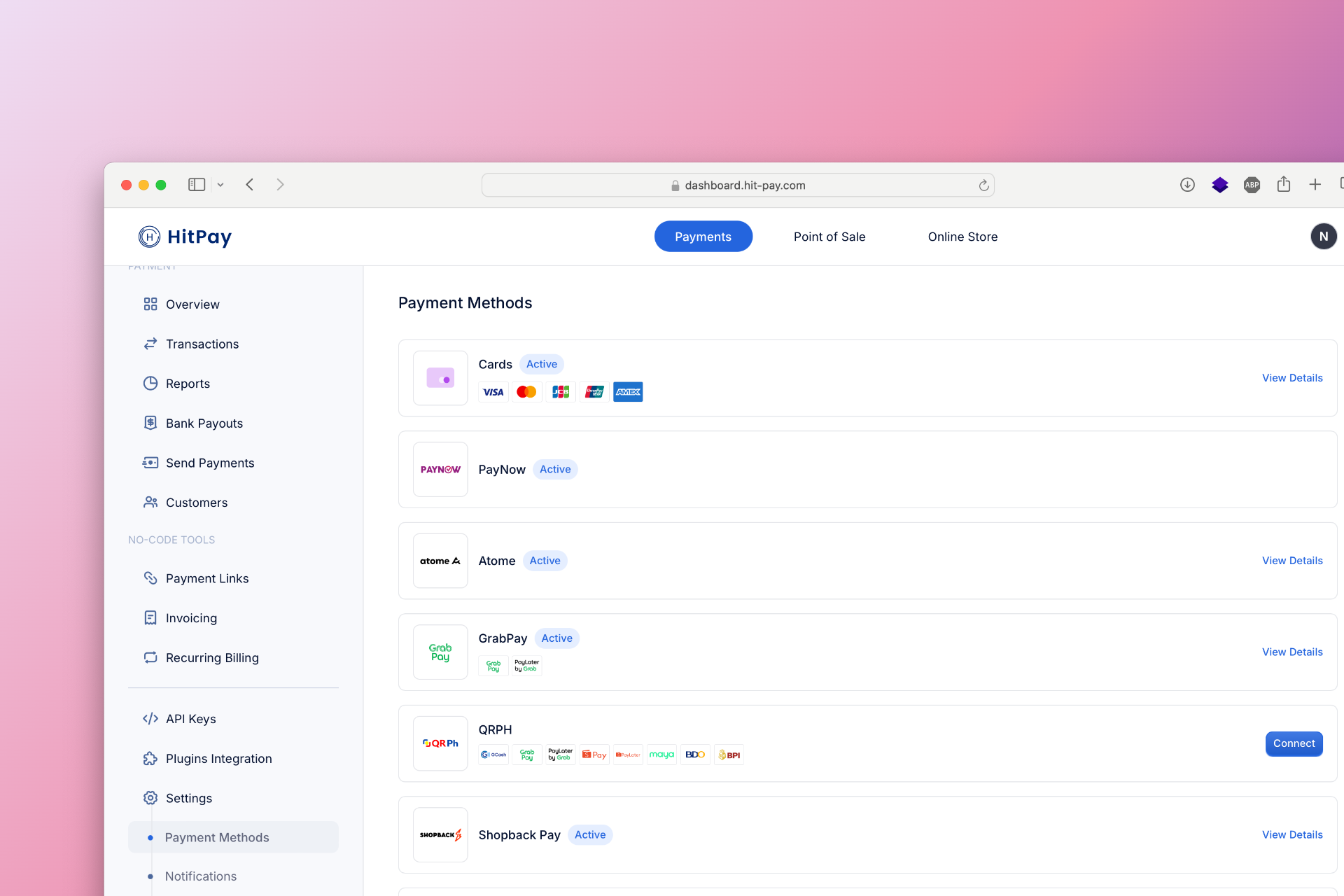
To set up ShopeePay as a payment method, follow these steps:
  1. Navigate to Settings in your HitPay dashboard.
  2. Click on Payment Methods.
  3. Enable ShopeePay and configure the necessary options.

Developer Section

FeatureDescription
Method Codeshopee_pay
Sandbox TestingAvailable
Refund API Support
Supports Embedded QR✓ (not supported for PH)
Drop-in UI Support

API Testing in Sandbox

Developers can test ShopeePay integration in the sandbox environment to ensure smooth processing. Use the HitPay API to simulate transactions and verify payment confirmation and error handling mechanisms.

Drop-in UI Support

HitPay offers a drop-in UI component for easy integration of ShopeePay into your website or app. This allows for a seamless payment experience without the need for extensive development work.

FAQs

Coming soon. Please contact our support team if you have any questions - we are here to help.