Overview
| Detail | Description |
|---|
| Fund Credit To | HitPay Wallet |
| Instant |
| VND |
| VND |
| Minimum Amount | VND 15,000 |
| Maximum Amount | VND 200,000,000 (~US$8,200) |
| Daily Limit | Bank-specific limits (Please consult your bank) |
| Refund Supported | ✓ |
| Supported for online transactions | ✓ |
| Supported for in-person transactions (Embedded QR Code) | ✓ |
| Supported Countries | ALL (Cross-border Payment Method) |
| Transactions Fees | Contact Sales |
Setup
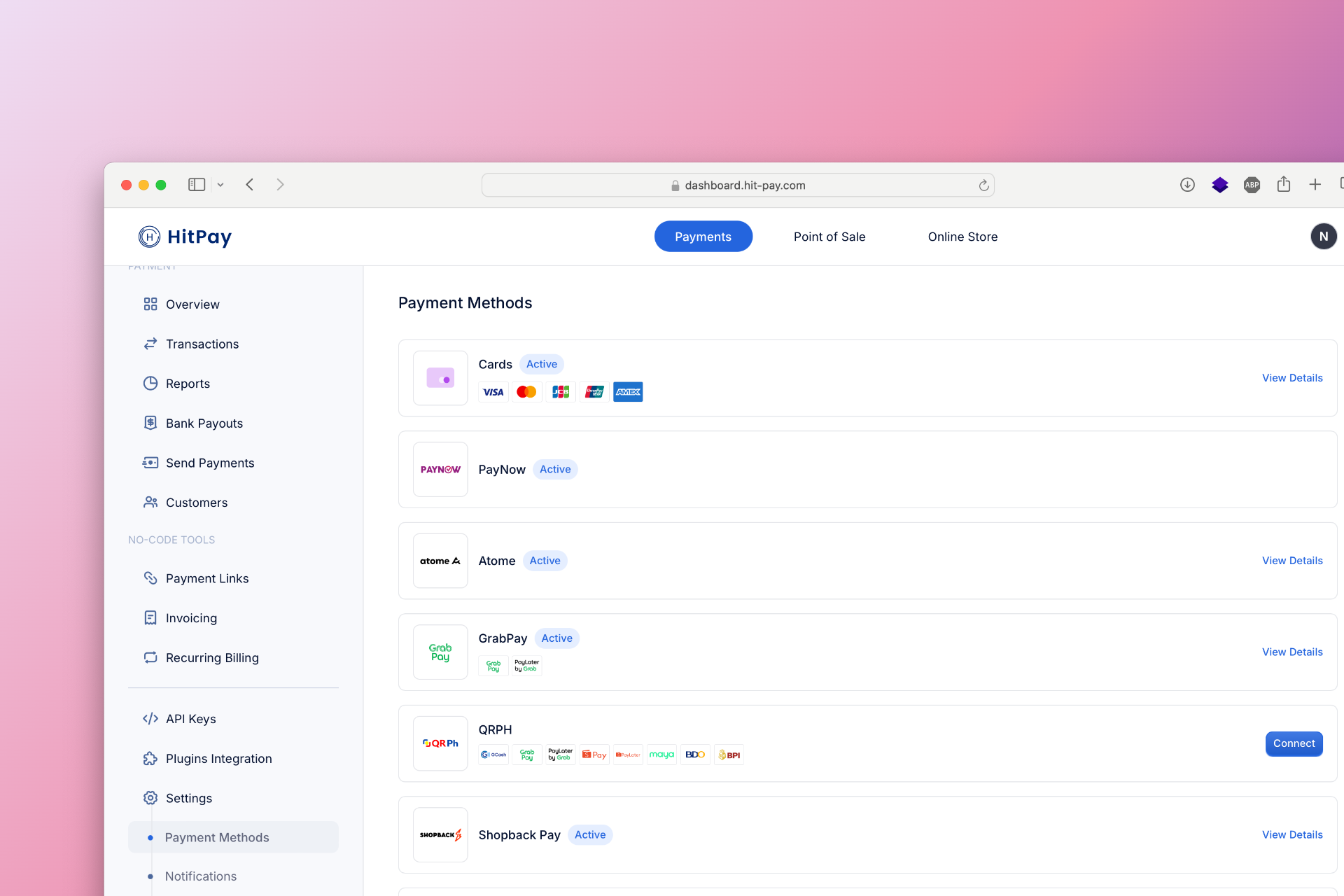
To set up VietQR as a payment method, follow these steps:
- Navigate to Settings in your HitPay dashboard.
- Click on Payment Methods.
- Enable VietQR and configure the necessary options.
Developer Section
| Feature | Description |
|---|
| Method Code | vietqr_payme |
| Sandbox Testing | ✕ |
| Refund API Support | ✓ |
| Supports Embedded QR | ✓ |
| Drop-in UI Support | ✓ |
FAQs
Coming soon. Please contact our support team if you have any questions - we are here to help.Last modified on January 27, 2026