

Overview
Setup
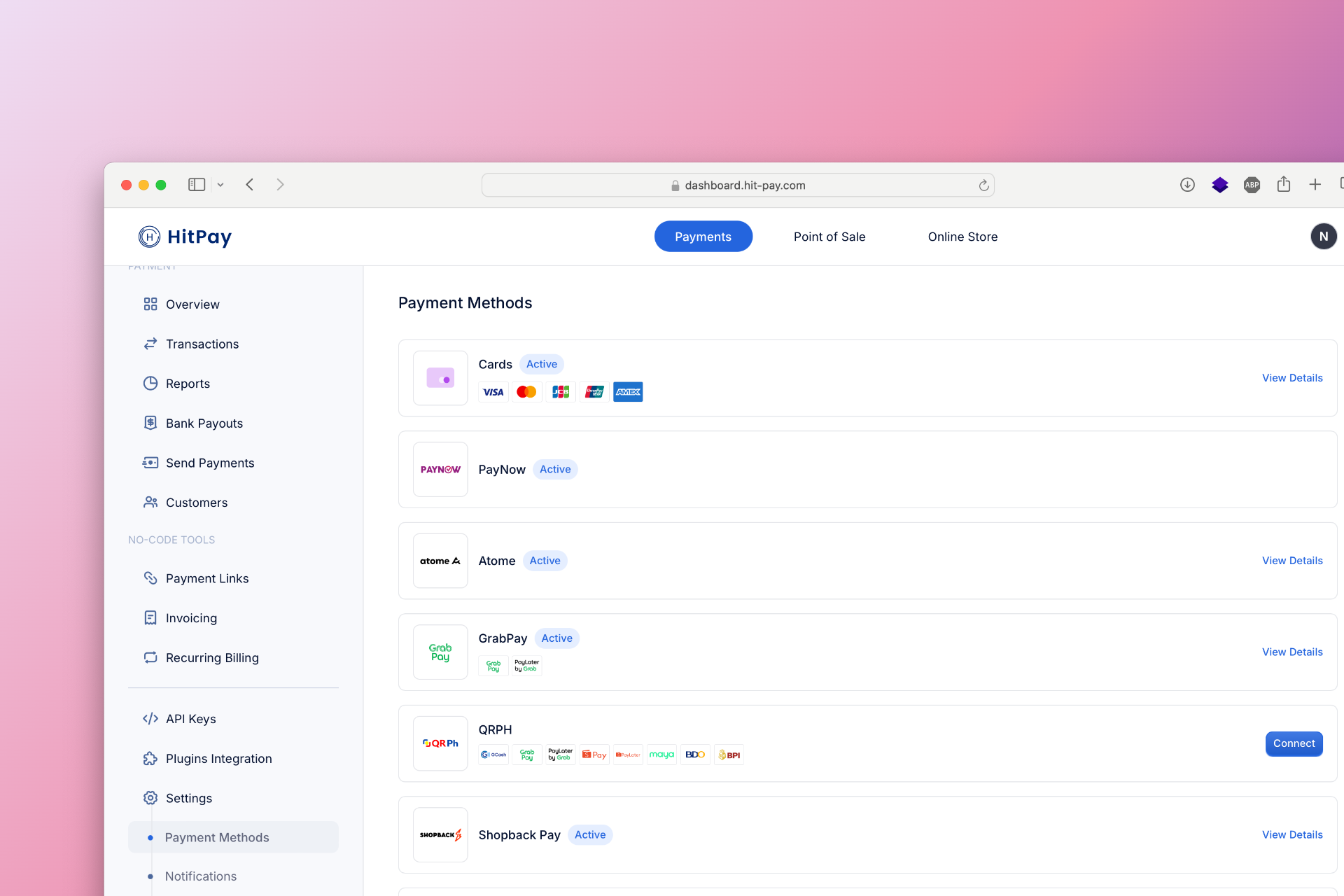
To set up WeChat Pay as a payment method, follow these steps:- Navigate to Settings in your HitPay dashboard.
- Click on Payment Methods.
- Enable WeChat Pay and configure the necessary options.
Recurring Payments (Singapore)
WeChat Pay now supports recurring payments for subscriptions, memberships, and other recurring services in Singapore. To enable WeChat Pay for recurring payments:- Navigate to Payment Methods in your dashboard.
- Click on WeChat Pay.
- Select Enable Recurring Payments.
- Submit the required documentation.