

Overview
UPI is India’s most-used payment method, with over 400 million users. With UPI (INR), your Indian customers pay in their local currency, so they don’t have to deal with currency conversion at checkout. You don’t need an Indian entity to accept UPI (INR). You can onboard through your existing HitPay account.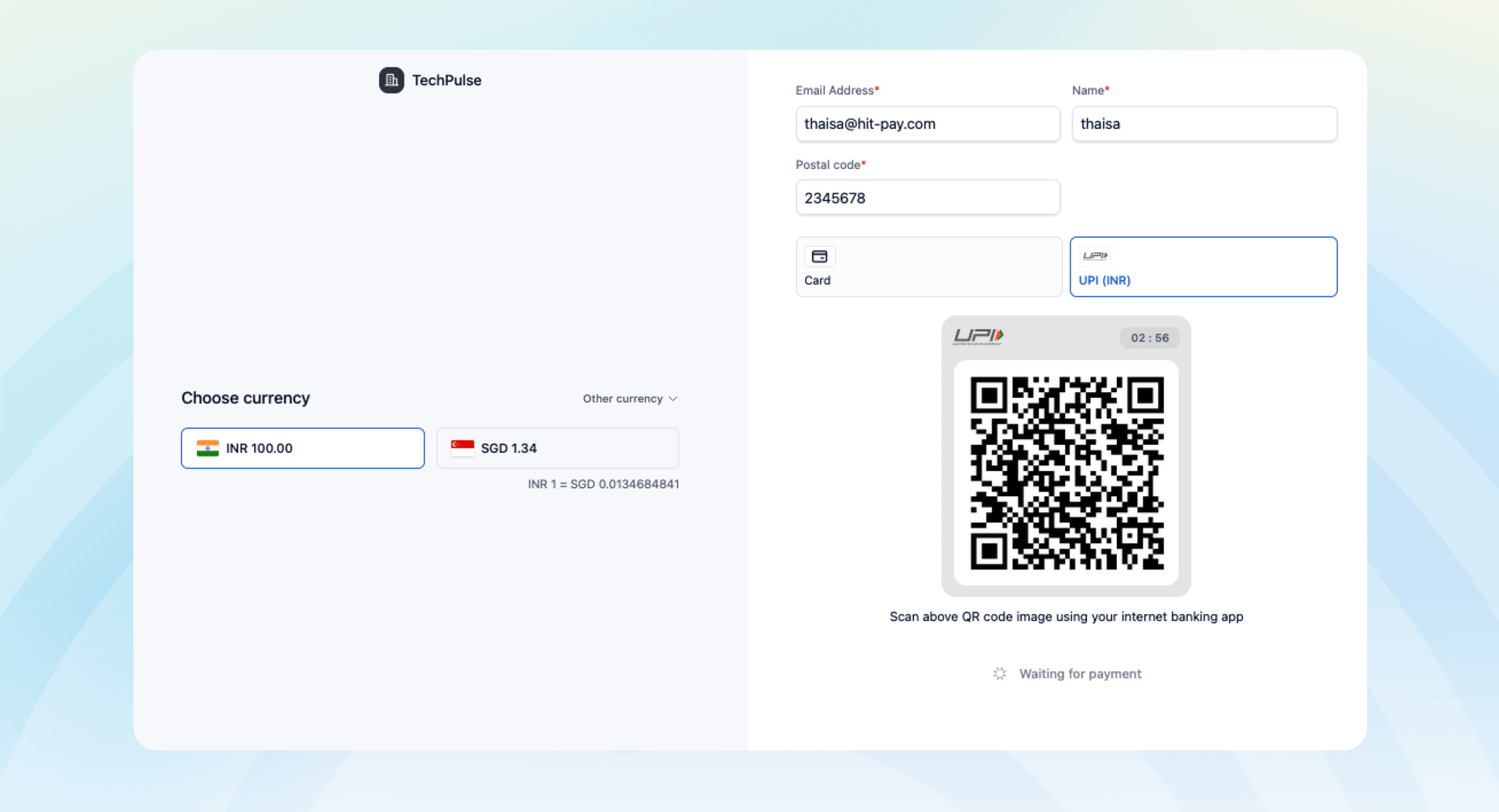
UPI (INR) is separate from UPI (SGD), where customers pay in SGD. You can enable both.
Setup
To start accepting UPI (INR), follow these steps:- Go to Payment Methods in your HitPay dashboard.
- Select UPI (INR).
- Enable it and submit the required documents.
Fees and payouts
- Transaction fee: 2%
- FX fee: 1%, applied at settlement
- Payouts: Funds go to your HitPay Balance on T+5
Developer Section
The method code assigned to your account depends on your UPI (INR) provider. Check Payment Methods > UPI (INR) in your onboarding flow to see which one applies to you — this also determines whether refunds are supported.
FAQs
What is the difference between UPI (INR) and UPI (SGD)?
What is the difference between UPI (INR) and UPI (SGD)?
With UPI (INR), customers pay in INR, their local currency. With UPI (SGD), customers pay in SGD. They are separate payment methods and are enabled separately.
Do I need an Indian business entity?
Do I need an Indian business entity?
No. You can onboard UPI (INR) through your existing HitPay account.
How long does onboarding take?
How long does onboarding take?
About 5 business days after you submit the required documents.
Can I use UPI (INR) for in-person payments or subscriptions?
Can I use UPI (INR) for in-person payments or subscriptions?
Not yet. UPI (INR) is available for online payments only, and doesn’t support recurring payments.