

Funding a bill
HitPay Balance can’t be used to fund a Bill Pay transfer. Instead, you fund each transfer directly with PayNow, Bank Transfer, or QRPH (Philippines) - so the transfer to your vendor only happens once the bill is actually funded, not before.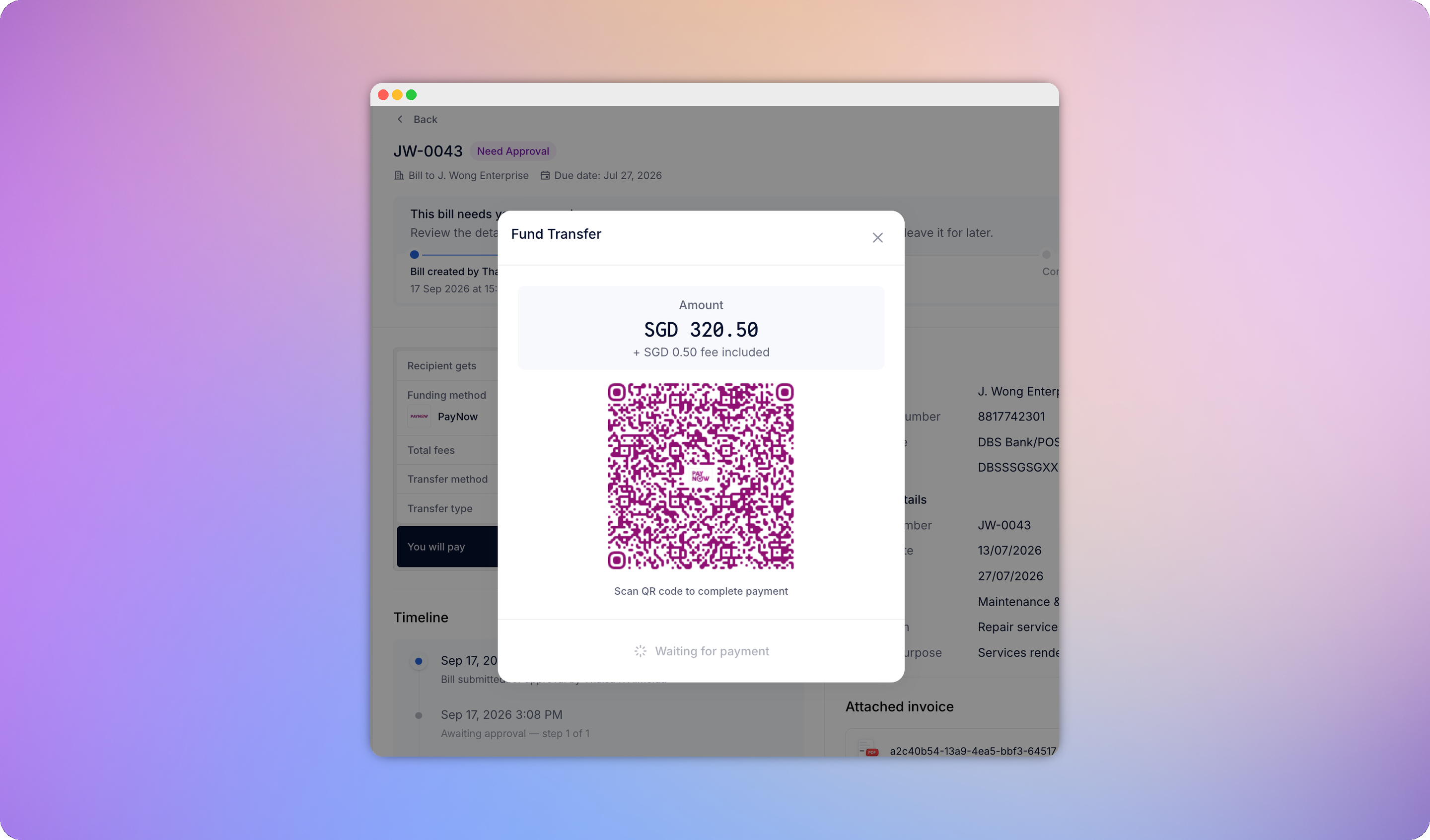
Supported countries & currencies
Philippines-registered businesses currently have local payments only - international payments aren’t available yet for that market.
See the full Payout Network reference for the complete list of destination countries, rails, and transfer speeds.
Pricing
Fees vary by currency and are subject to change. Full pricing is at hitpayapp.com/pricing.
Payment scheduling
When creating a bill, you can set an optional Schedule Payment For date instead of paying immediately. As a MAS-regulated payment institution, HitPay must settle collected funds within a strict window rather than holding them indefinitely. For a scheduled bill, that means funding can only happen within a compliant window ahead of the scheduled date:- Local transfers - can be funded any time from 3 days before the scheduled date through the scheduled date itself
- Foreign-currency transfers - can be funded up to 24 hours before the scheduled date, with the FX rate locked for that 24-hour period