

Overview
Keep customers on your site when they set up a recurring payment method. Instead of redirecting them to a HitPay-hosted page, pass a method-specific parameter (generate_direct_link, generate_qr, or generate_instructions) to receive a link, QR code, or setup instructions directly in the API response — ready to render in your own UI.
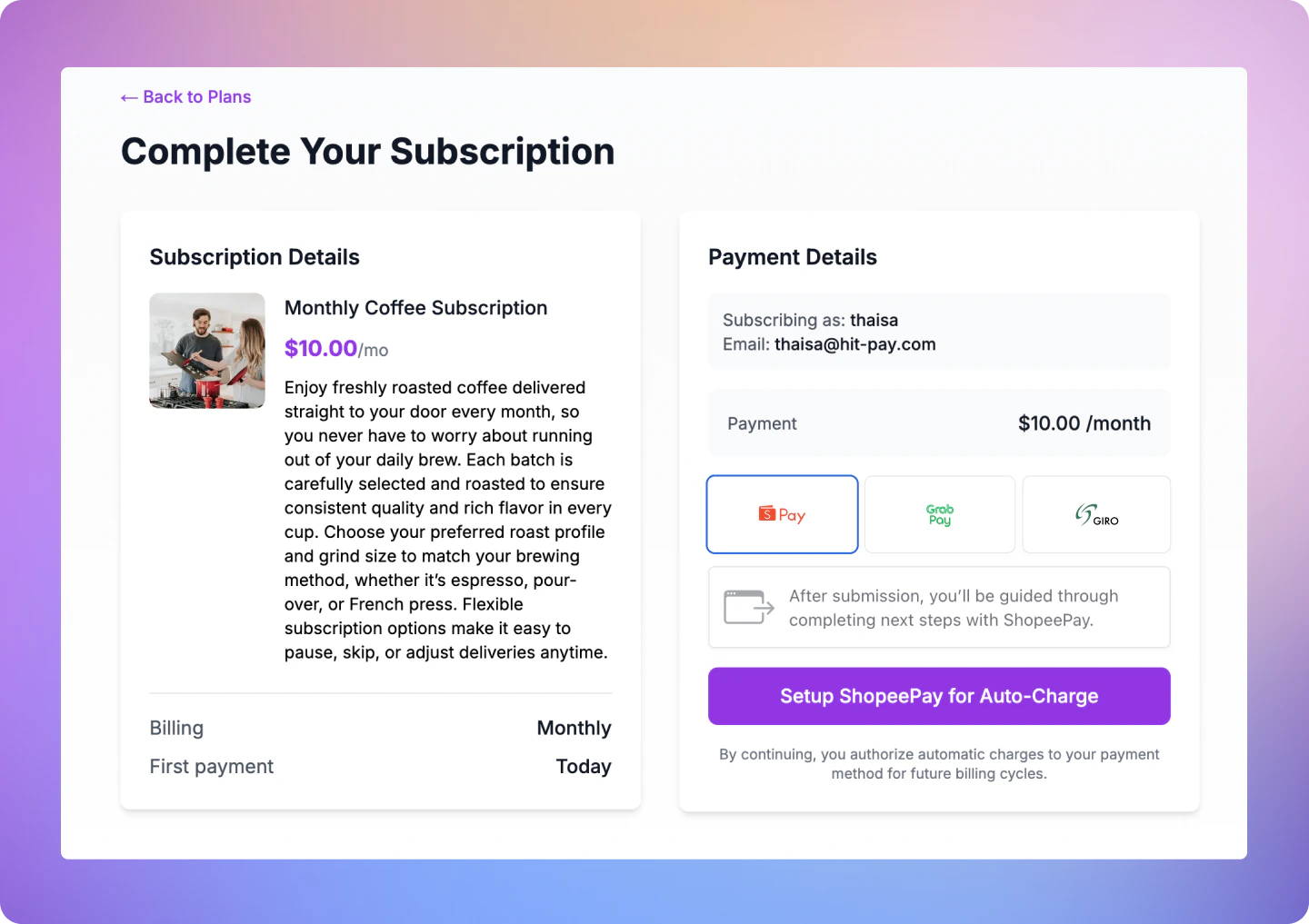
Supported Payment Methods
Send exactly one generate parameter per request (
generate_direct_link, generate_qr, or generate_instructions). The parameter must match the payment method — sending generate_qr for shopee_pay, for example, returns a 400 error. Omitting all three generate parameters defaults to the hosted-page flow.How It Works
1
Create a Recurring Billing with the method-specific parameter
Call
POST /v1/recurring-billing with exactly one generate parameter (generate_direct_link, generate_qr, or generate_instructions) and exactly one payment_methods[] entry. The API initiates the APM setup immediately and returns qr_code_data, direct_link, or instructions inline.2
Present the Link or Instructions
Render the returned data in your UI: show the link as a button or display the setup steps for GIRO.
3
Customer Completes Setup
The customer taps the link or follows the GIRO instructions.
4
Receive Webhooks
HitPay fires
recurring_billing.method_attached and recurring_billing.subscription_updated when the payment method is linked and the subscription activates. If a charge is made, charge.created is fired — listen to this event to confirm a successful payment.Step 1: Create a Recurring Billing
Endpoint
Request Parameters
Send exactly one generate parameter per request. For redirect-based methods (
shopee_pay, grabpay_direct, touch_n_go, line_pay), redirect_url is also required when using generate_direct_link. Sending more than one generate parameter returns a 400.Example Requests
Step 2: Present the Response in Your UI
The response includes all the standard recurring billing fields plus one of the following objects depending on the payment method.QR code (qr_code_data) — ZaloPay
Render the qr_code value as a scannable QR image in your UI.
Example Response — ZaloPay
Example Response — ZaloPay
Direct link (direct_link) — Shopee Pay, GrabPay, Touch ‘N Go
Render direct_link_url as a button (e.g. “Authorise with Shopee Pay”). On mobile, use direct_link_app_url to open the payment app directly if available.
Example Response — Shopee Pay
Example Response — Shopee Pay
Instructions (instructions) — GIRO
Display the steps as a numbered list. Make the reference value copyable so the customer can paste it into their banking portal.
Example Response — GIRO
Example Response — GIRO
Step 3: Customer Completes Setup
Shopee Pay / GrabPay / TNG
Customer taps the link or is redirected to the provider’s authorisation page, then returns to your
redirect_url.ZaloPay / WeChat Pay
Customer scans the QR code with their payment app to authorize the recurring payment.
GIRO
Customer logs in to DBS/POSB internet banking and follows the displayed steps. This may take 1–3 business days to activate.
Step 4: Handle Webhooks
Register Your Webhook
- Navigate to Developers > Webhook Endpoints in your dashboard
- Click New Webhook
- Enter a name and your webhook URL
- Select the events you want to receive:
recurring_billing.method_attached— Payment method successfully linkedrecurring_billing.subscription_updated— Subscription status changes (e.g.,scheduled→active)charge.created— A charge was successfully processed.
- Save your webhook configuration
Webhook Payload
When a payment is completed, HitPay sends a JSON payload to your registered webhook URL with the following headers:Validating the Webhook
To ensure the webhook is authentic, validate theHitpay-Signature header:
- Receive the JSON payload and
Hitpay-Signaturefrom the request - Use your salt value (from the dashboard) as the secret key
- Compute HMAC-SHA256 of the JSON payload using your salt
- Compare the computed signature with
Hitpay-Signature- they must match
FAQs
Does this change existing integrations?
Does this change existing integrations?
No. If you omit all three generate parameters, the API behaves exactly as before — returning the HitPay hosted page
url. No migration required.Can I use these parameters for card payments?
Can I use these parameters for card payments?
No. The method-specific generate parameters only work for supported APMs.
What happens if I send more than one generate parameter?
What happens if I send more than one generate parameter?
The API returns a
400 error. Send exactly one generate parameter per request.What happens if the parameter doesn't match the payment method?
What happens if the parameter doesn't match the payment method?
The API returns a
400 error with a message indicating the correct parameter to use (e.g., "shopee_pay does not support QR-based setup. Use generate_direct_link instead.").What if the customer completes setup but I miss the webhook?
What if the customer completes setup but I miss the webhook?
Existing webhook retry logic applies. You can also check the recurring billing status via
GET /v1/recurring-billing/{id} — if the method is linked, status will be active.Production Checklist
Production Checklist
- Change the base URL to
https://api.hit-pay.com/v1/ - Update API keys and salt values from the production dashboard
- Ensure the APM provider is onboarded in your production account
- Register your webhook URL in production and subscribe to
recurring_billing.method_attachedandrecurring_billing.subscription_updated