

Overview
Before you can start accepting payments using any of HitPay’s products, you’ll need to set up your payment methods and complete business verification. These are parallel steps, but both are required before payments can go live. HitPay supports a wide range of local and cross-border payment methods for both online and in-person transactions, giving your customers flexibility whether they’re shopping on your website or at your physical store. This guide helps you understand the available payment methods, their activation times, and how to enable them for your business.Activate Payment Methods
1
Navigate to Payment Methods
Go to Payments > Payment Methods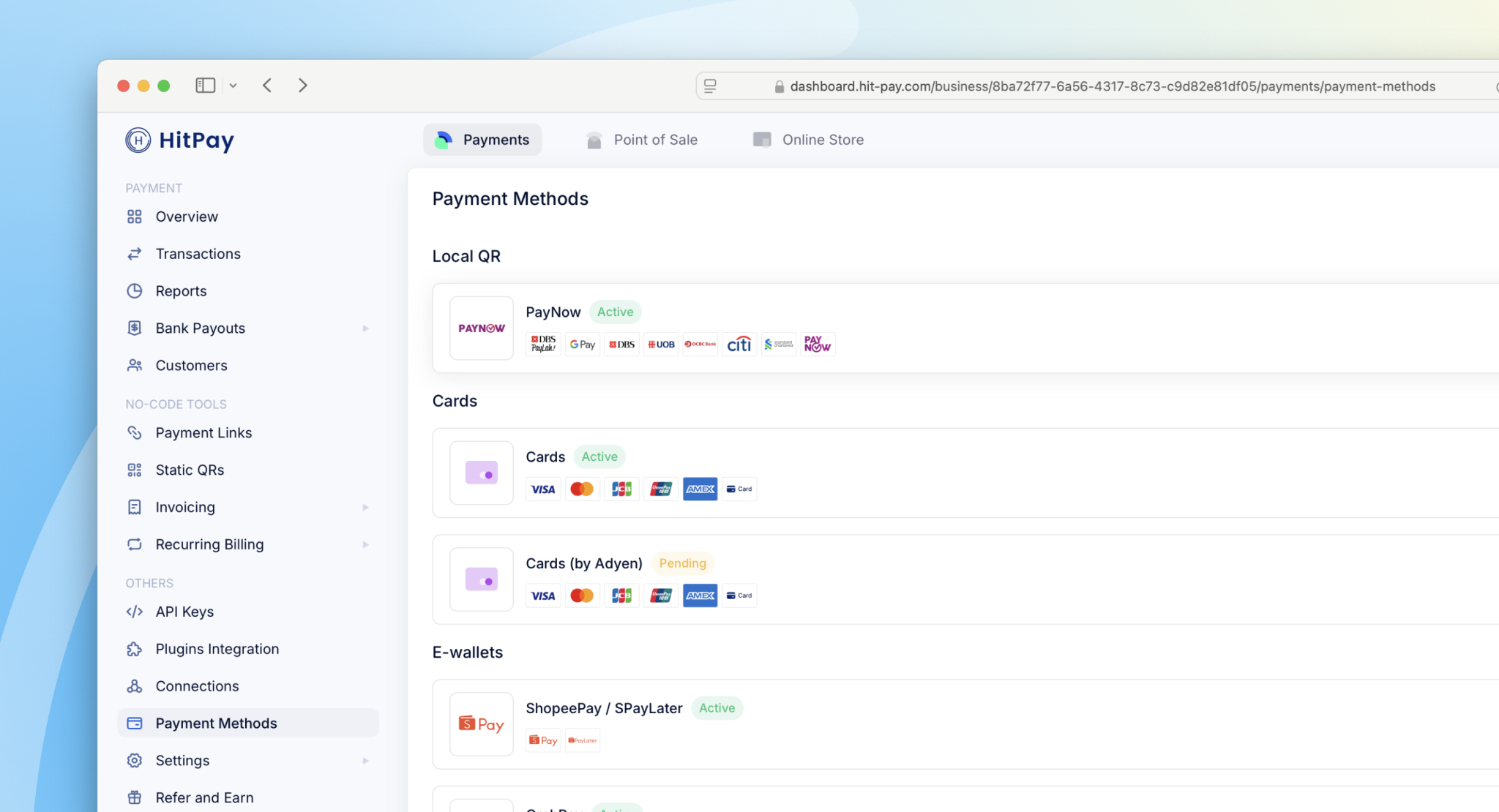
2
Connect Payment Method
Click Connect on your preferred method
3
Complete Setup
Submit any required details
Once submitted, our partner providers will typically process your activation within 3–5 business days.
Supported Payment Methods
The following payment methods are available and supported by HitPay across different countries:- Singapore
- Malaysia
- Philippines
🇸🇬 Local
🌍 Cross-Border
List of currencies supported by card payments
List of currencies supported by card payments
Checkout Experience
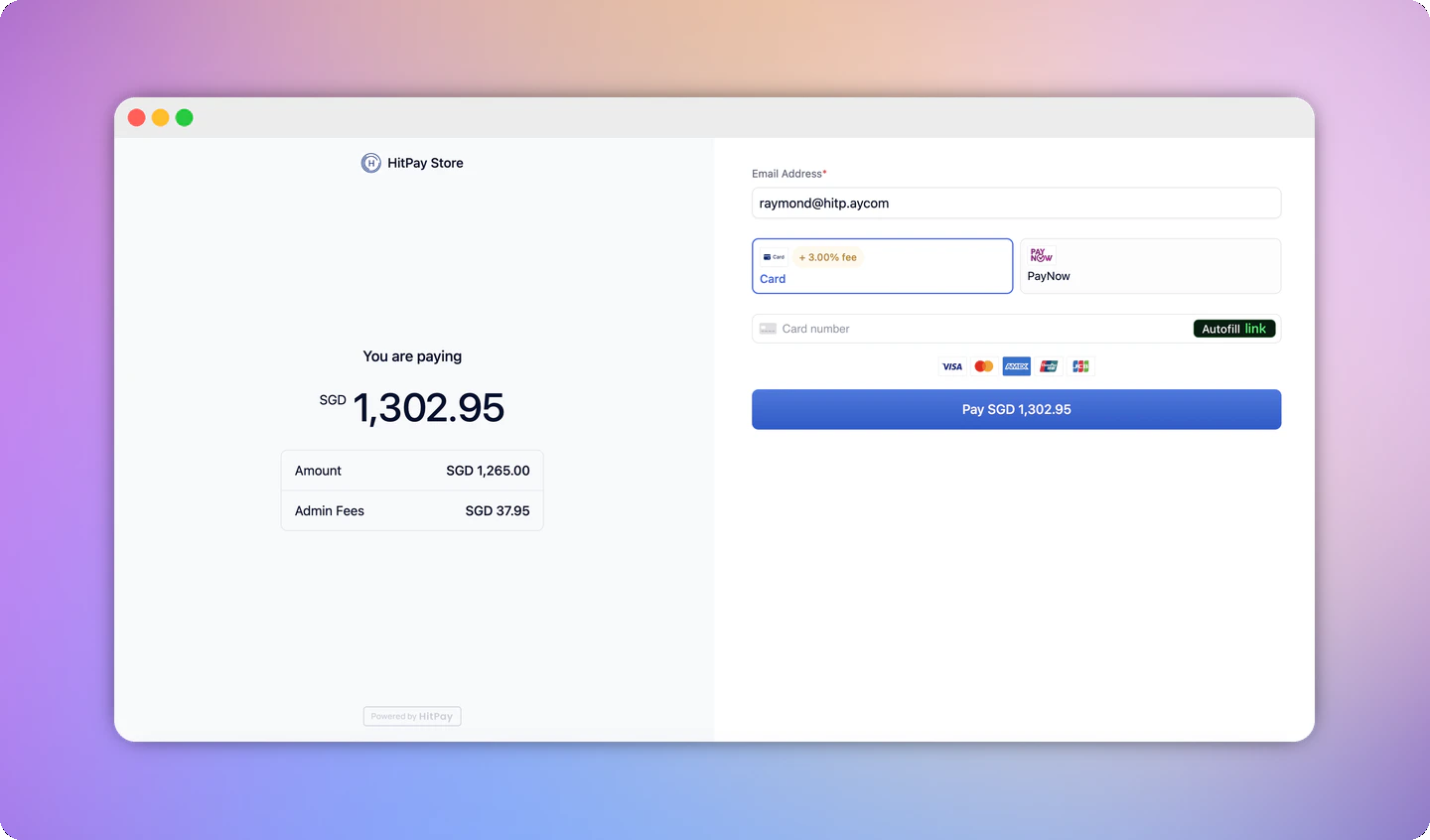
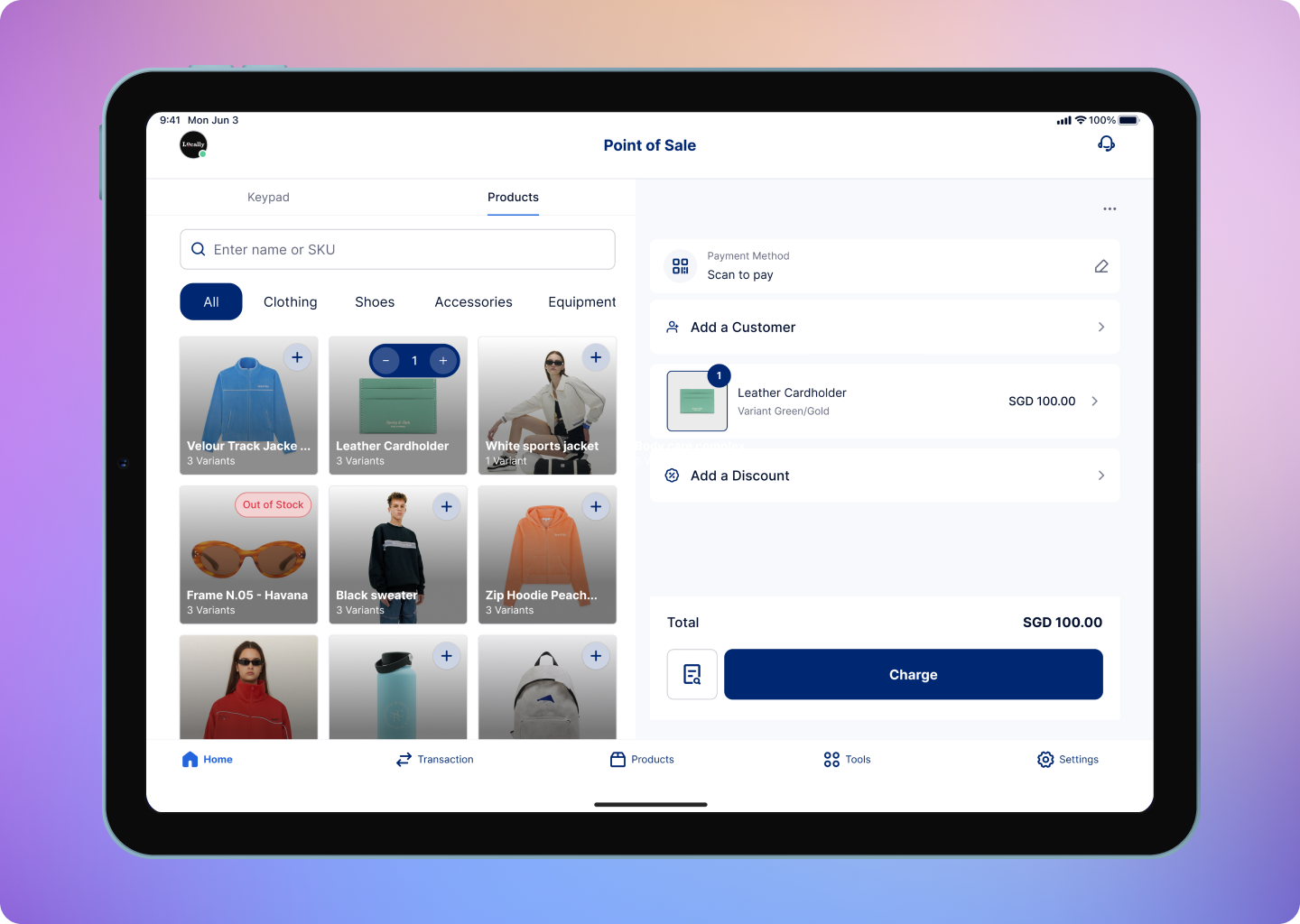
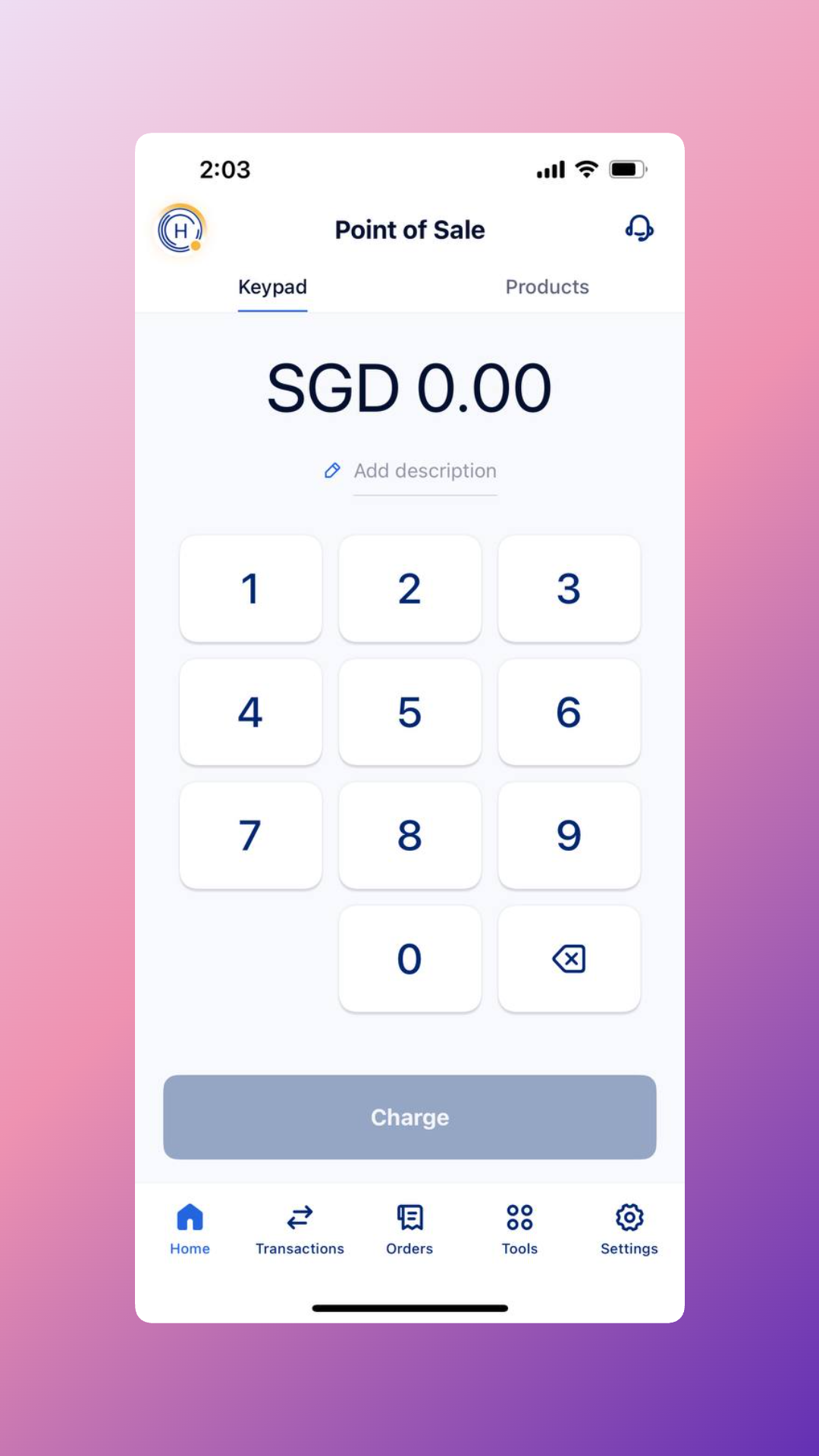
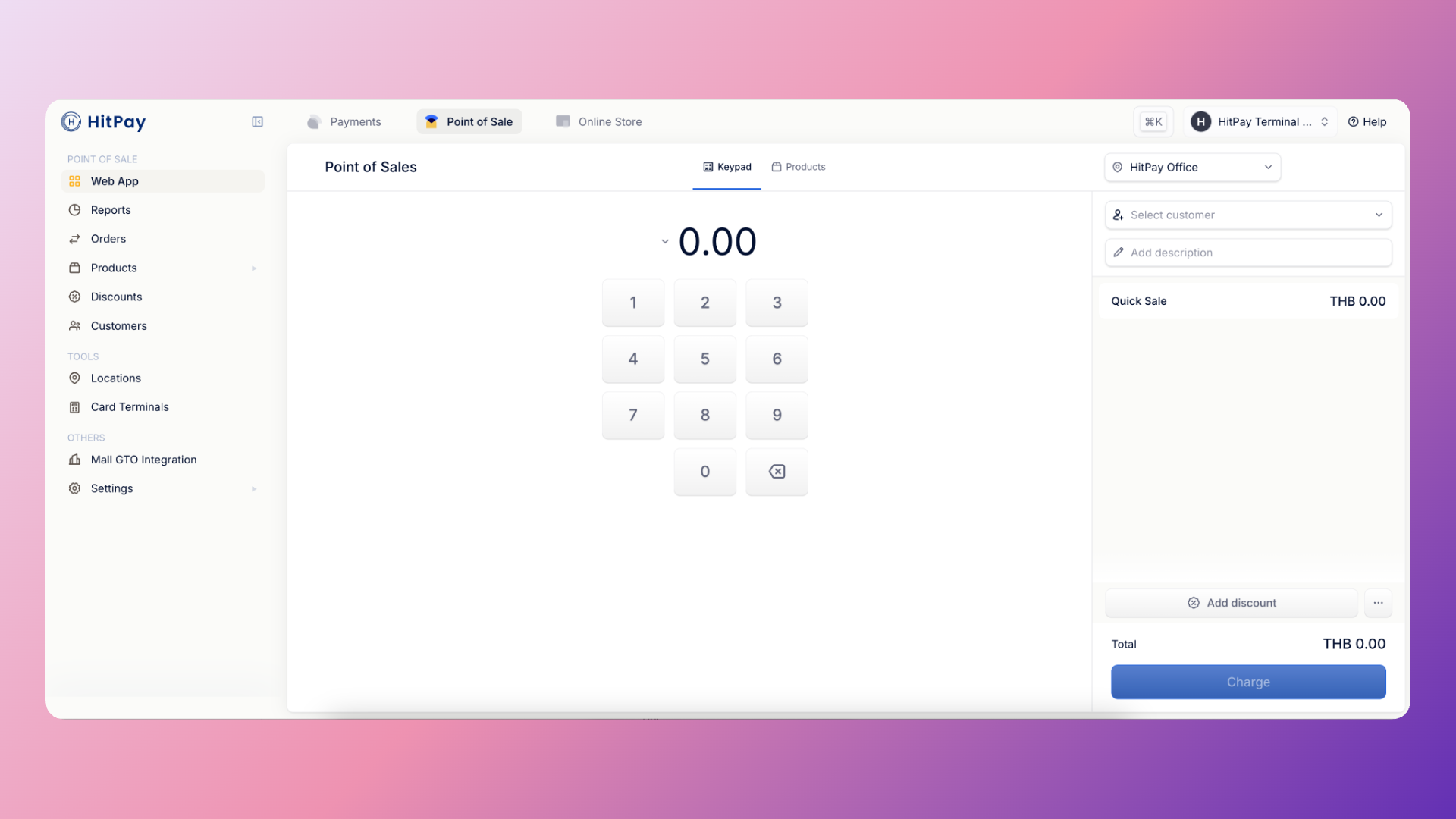
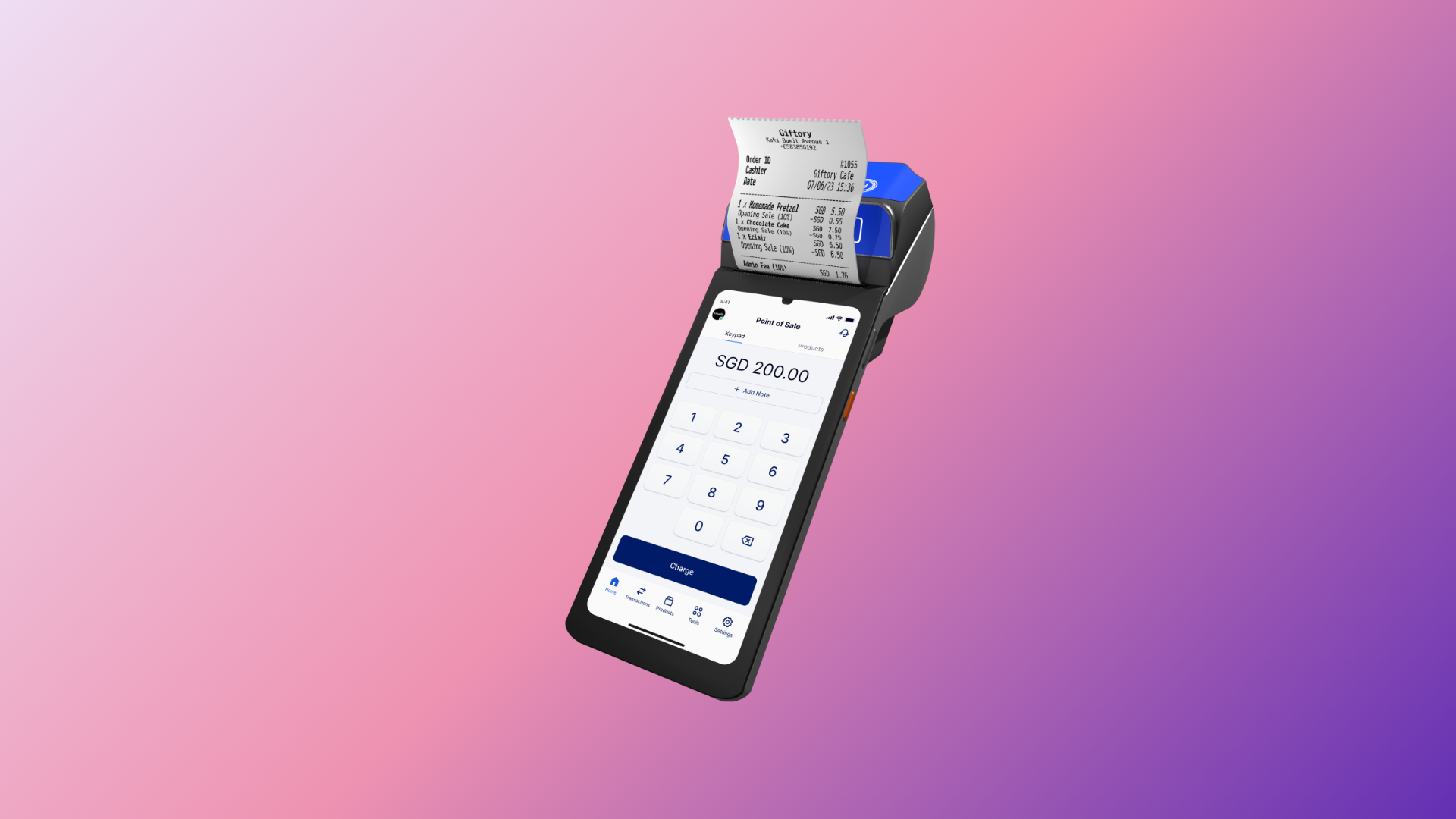
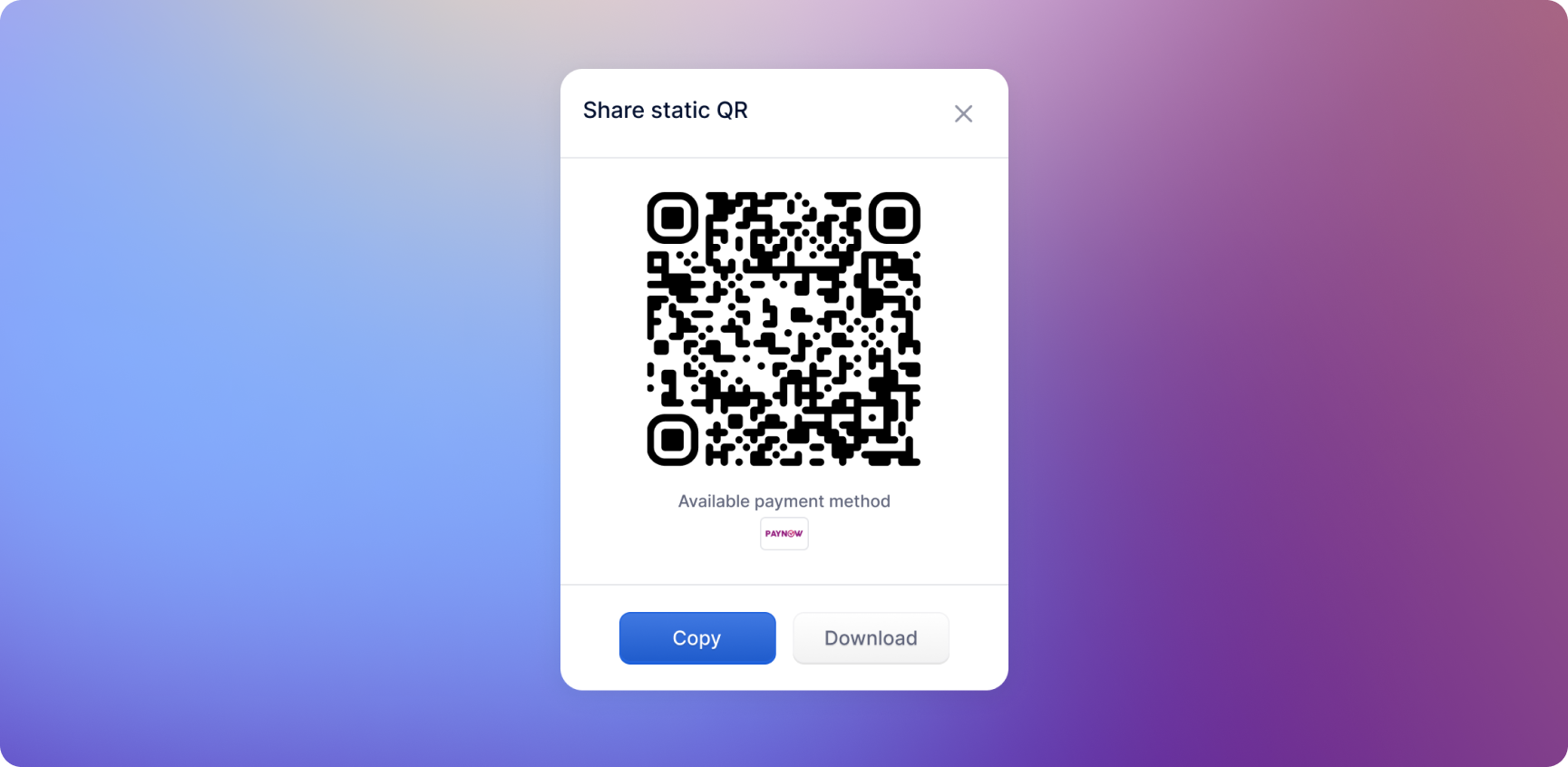
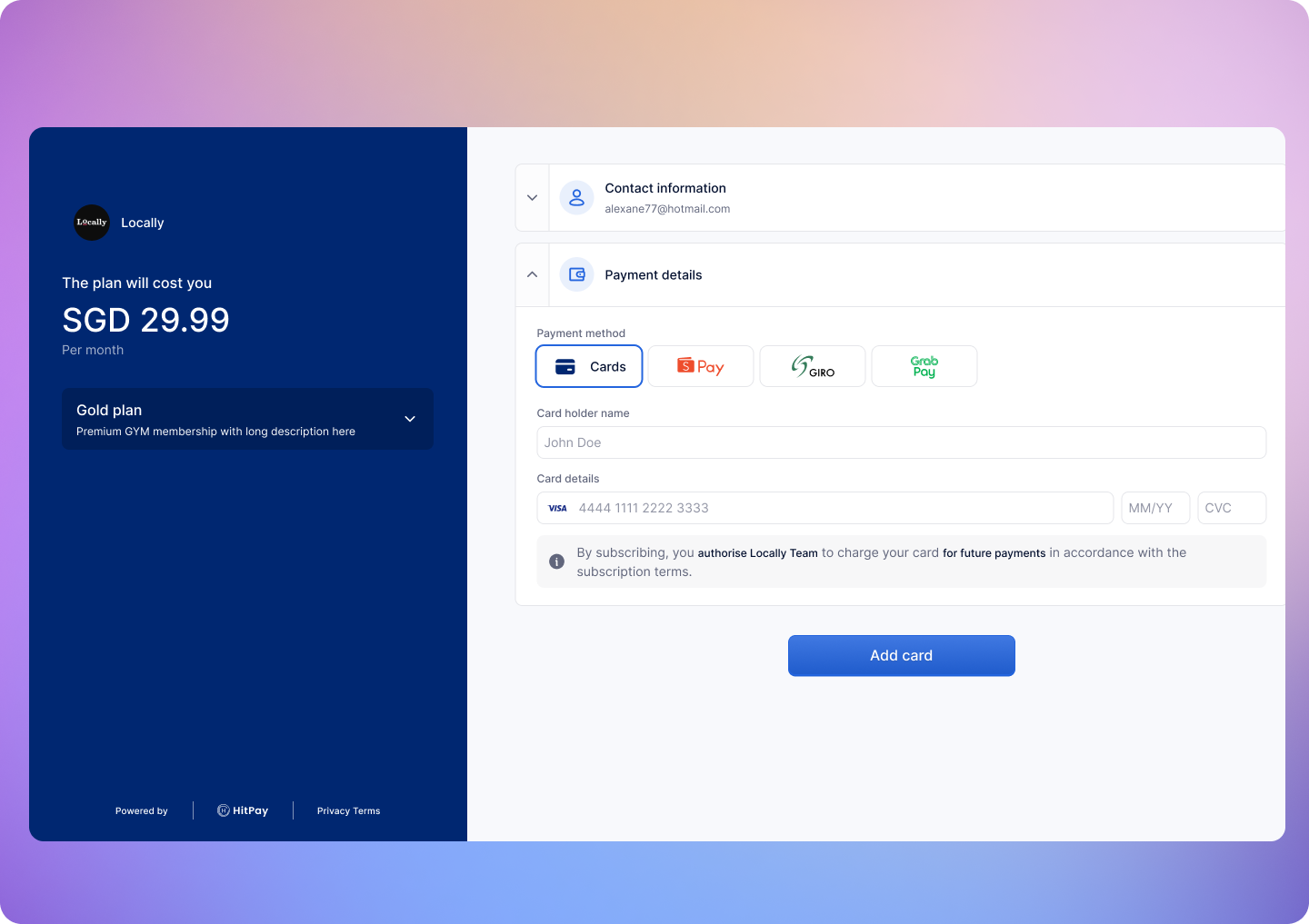
Once your payment methods are set up and activated, they will be available across all your sales channels. For online payments, HitPay offers a hosted checkout experience where all enabled payment methods are automatically displayed. For in-person payments, your activated methods will appear on your POS terminal or QR code displays. This provides your customers with a seamless payment experience whether they’re shopping online or in-store.- Online Checkout
- Mobile POS App
- Web POS
- Card Terminal
- Static QR
- Recurring Billing
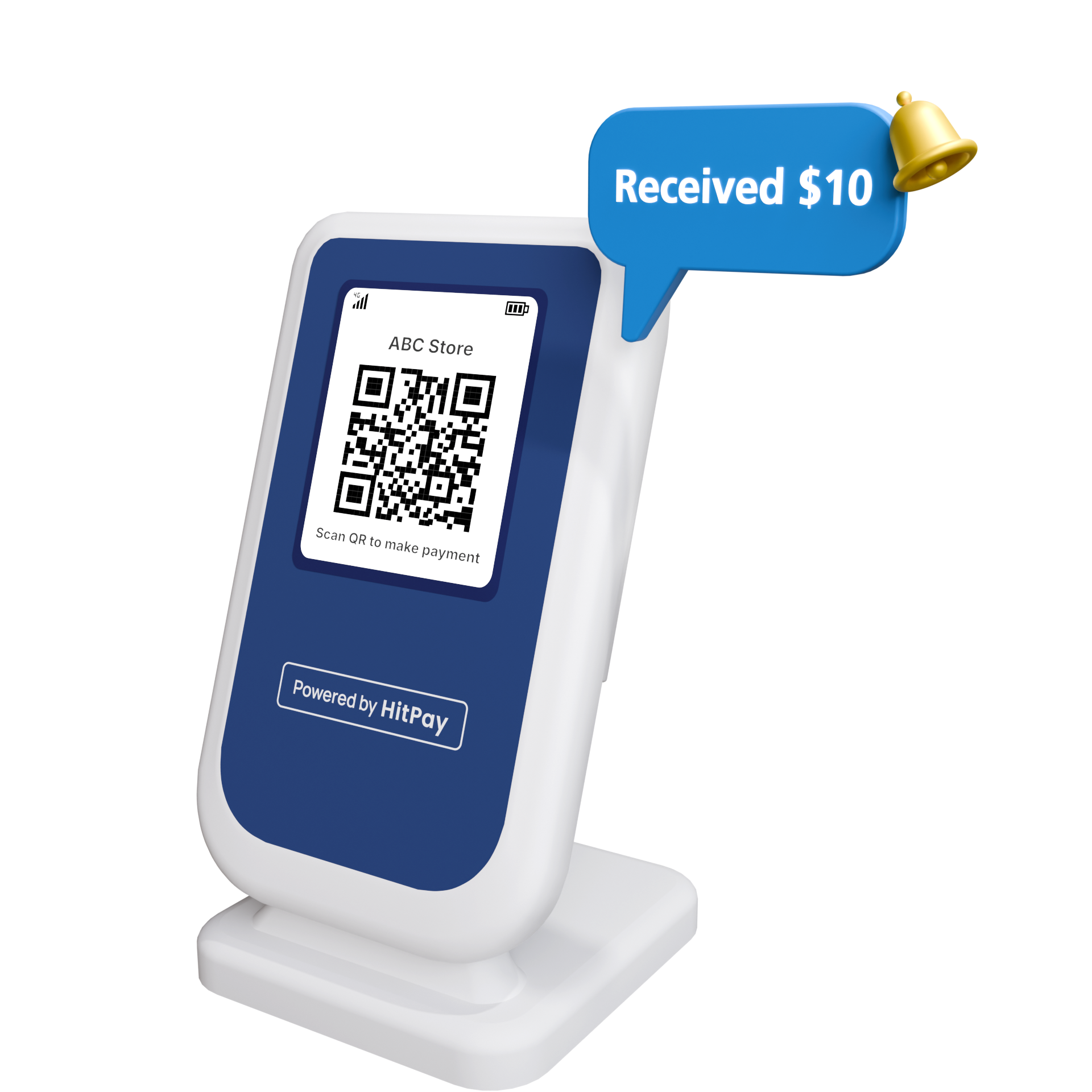
- Soundbox
Next Steps
Now that you have set up your payment methods, here are your next steps to start accepting payments:API Integration
Build custom integrations using our REST APIs to create payment flows, manage customers, and handle webhooks for real-time updates.
Plugins & Integrations
Use our ready-made plugins for popular platforms like Shopify, WooCommerce, Wix, and more to quickly integrate payments into your existing store.
HitPay Tools
Create payment links, invoices, and use our hosted checkout to start accepting payments immediately without any technical setup.
FAQs
Customer payment is not showing on my HitPay dashboard. What should I do?
Customer payment is not showing on my HitPay dashboard. What should I do?
If a customer’s payment is missing, please:
- Check the card statement for confirmation if it was a card payment.
- Send us the transaction details:
- Timestamp
- Customer email
- Screenshot or receipt Send the details to [email protected] for investigation.
What Charges/Fees are involved when using HitPay?
What Charges/Fees are involved when using HitPay?
HitPay only charges a transaction fee per successful payment. There are no hidden, rental, or monthly fees. View pricing.
When do I get paid by HitPay?
When do I get paid by HitPay?
Payouts are made automatically to your bank account based on your payout schedule. Check your payout details under Sales and Reports > Bank Payouts. More info.
When does the checkout page expire?
When does the checkout page expire?
Checkout pages automatically expire after 5 minutes across all plugins and payment links.